Looking for the best IPTV service for Firestick in 2026? You've come to the right place! I'm going to show you exactly how to install and use premium IPTV on your Amazon Fire TV Stick - step by step, with screenshots and everything you need to know.
Whether you're a complete beginner or have some experience with IPTV, this guide covers it all – from installation to exploring the massive content library of 120,000+ channels, 164,000 movies, and 124,000 series.
What is IPTV and Why Choose Our Service?
IPTV (Internet Protocol Television) is the modern way to watch TV. Instead of traditional satellite or cable, IPTV delivers television content through your internet connection. This means:
- ✅ Massive channel selection – Access channels from every country
- ✅ On-demand content – Watch movies and series anytime
- ✅ Cost-effective – Save hundreds compared to cable
- ✅ Multi-device support – Works on Firestick, Smart TV, phone, tablet
- ✅ 4K/8K quality – Crystal clear picture quality
Why Our IPTV Service Stands Out
I've been running IPTVFire UK for years now, and we've built something specifically for UK Firestick users. Here's what makes us different from the competition:
- 🚀 8K Player Prime App – Our custom-built application for the best streaming experience
- ⚡ Instant activation – Start watching within minutes of payment
- 🛡️ 99.9% uptime – Reliable servers with minimal buffering
- 💬 24/7 WhatsApp support – Get help anytime you need it
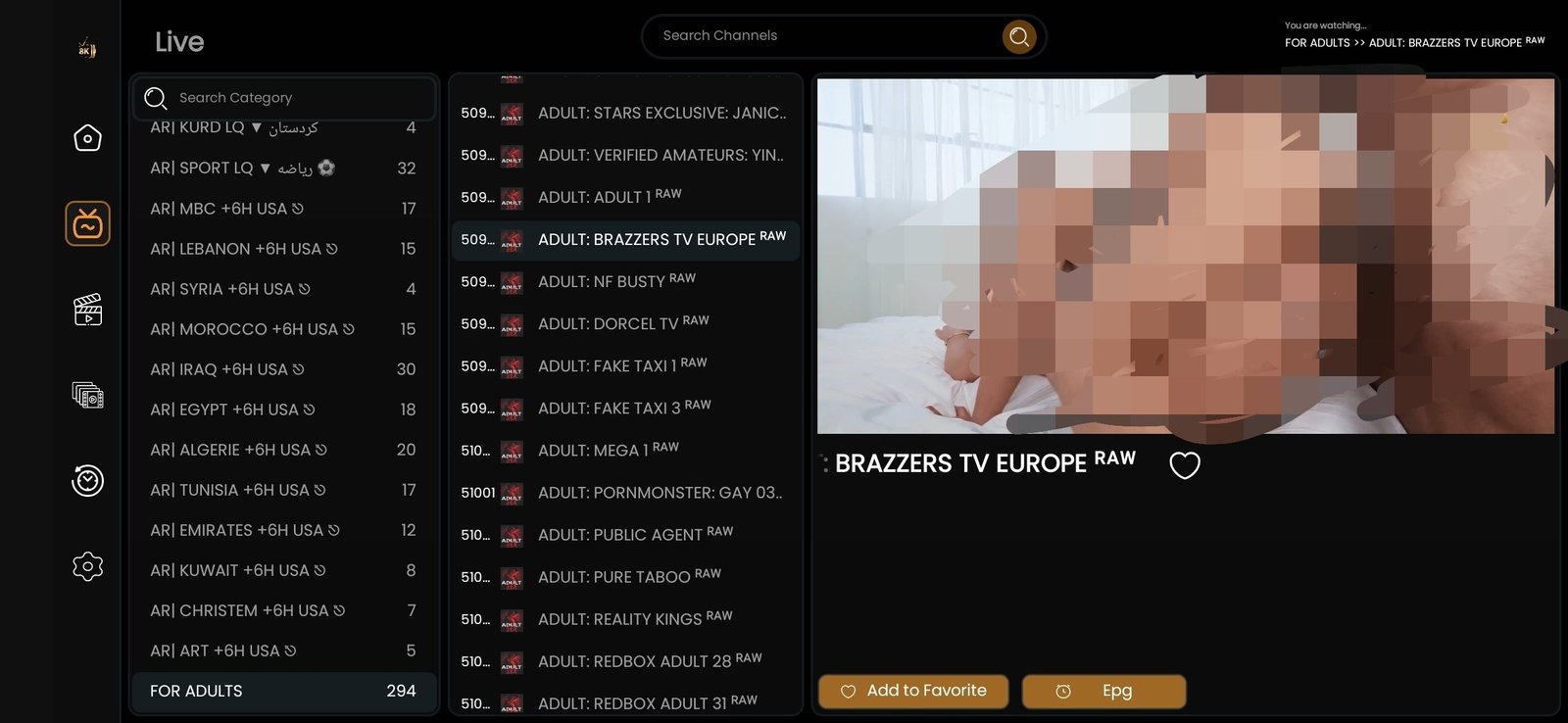
- 🔞 Optional adult content – 294 premium adult channels available
What You'll Get: Complete Content Overview
Before we dive into the installation process, let's explore what you'll have access to once you subscribe:
📺 120,000+ Live TV Channels
Our IPTV service offers an incredible selection of live TV channels from around the world:
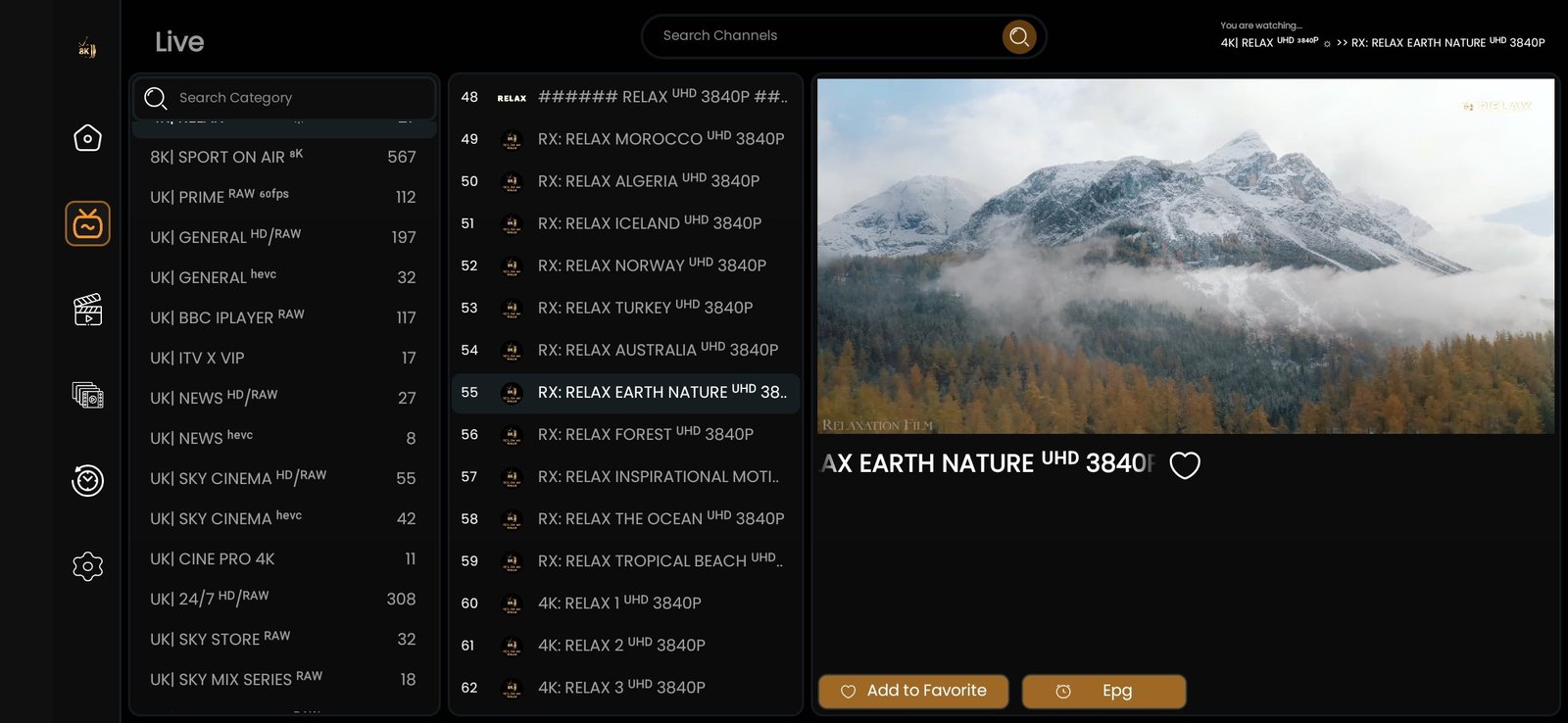 © IPTVFire UK
- UK Channels: BBC, ITV, Channel 4, Channel 5, Sky Sports, BT Sport
- US Channels: ESPN, CNN, HBO, NBC, ABC, CBS, Fox
- Sports: Premier League, Champions League, NFL, NBA, F1, UFC
- Movies: Premium movie channels in HD and 4K
- News: International news from every continent
- Entertainment: Reality TV, documentaries, lifestyle channels
- Kids: Cartoon Network, Disney, Nickelodeon, and more
- International: Arabic, French, German, Spanish, Indian, and 100+ countries
🎬 164,000+ Movies On-Demand
Our Video On Demand (VOD) library is massive and constantly updated:
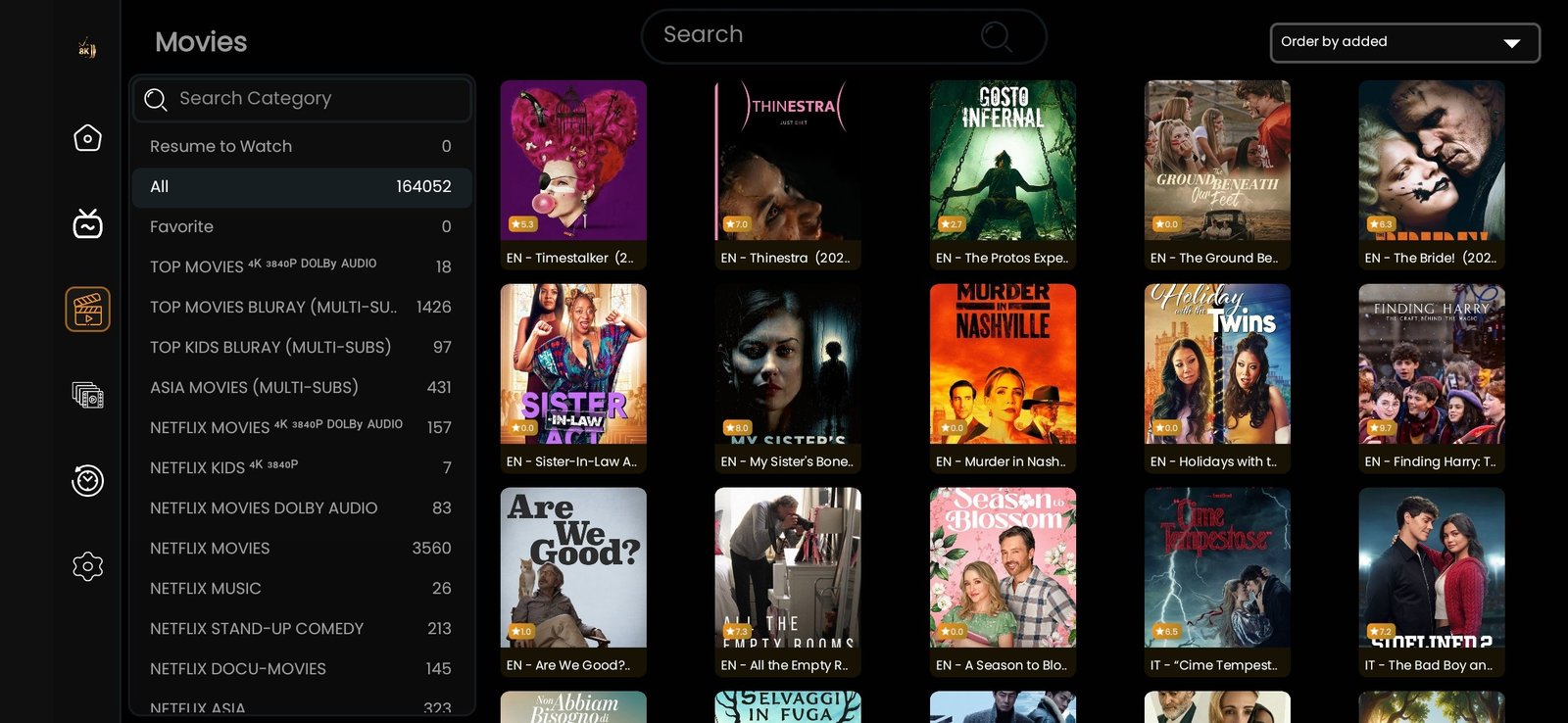
- Latest Hollywood blockbusters
- Classic films from every era
- International cinema
- 4K and HDR movies
- Action, comedy, drama, horror, sci-fi, and all genres
📺 124,000+ TV Series Updated Daily
Binge-watch your favorite shows with our extensive series collection:
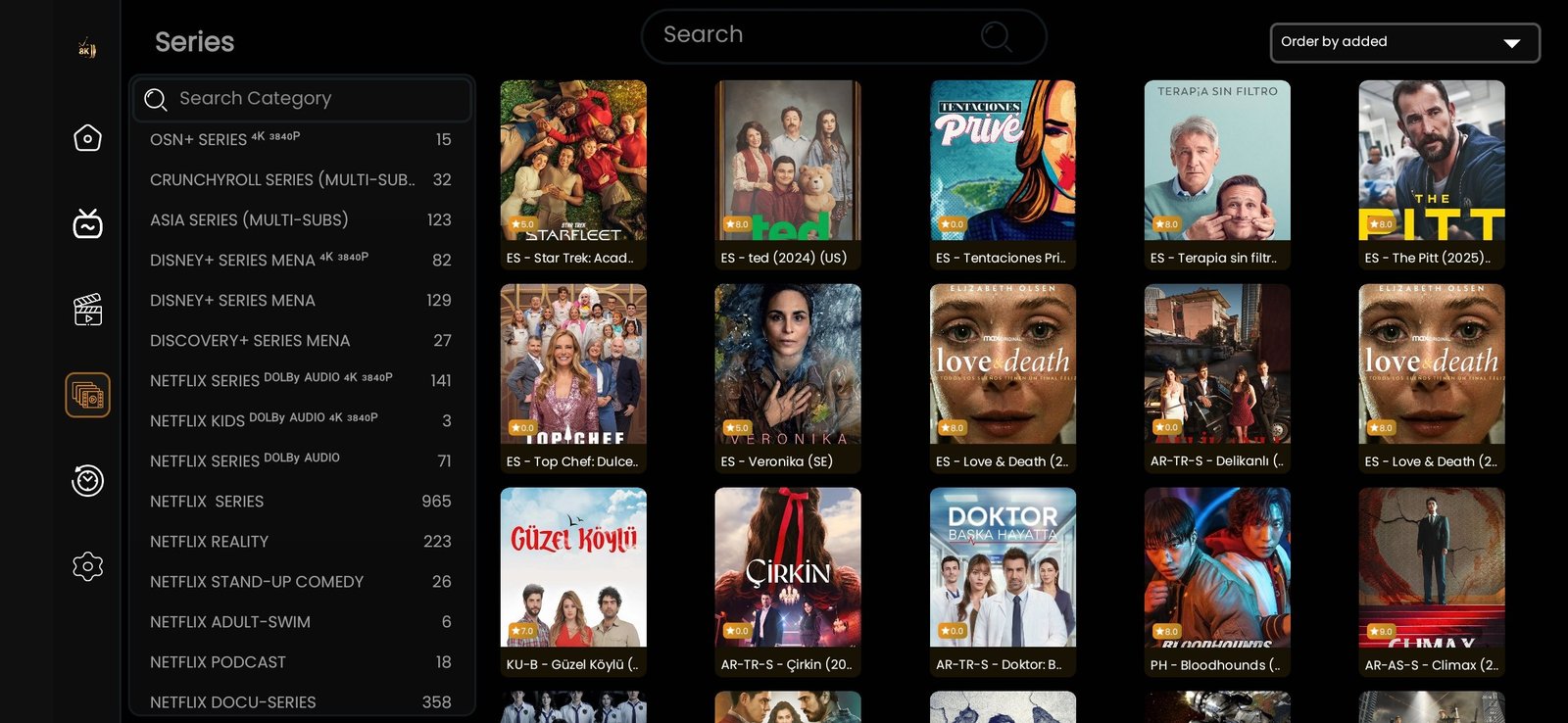
- Latest episodes added same day as release
- Complete seasons of popular shows
- Netflix, HBO, Amazon Prime content
- British TV series
- Korean dramas, Turkish series, and more
🔞 Optional Adult Content
For customers interested in adult entertainment, we offer a premium add-on package:
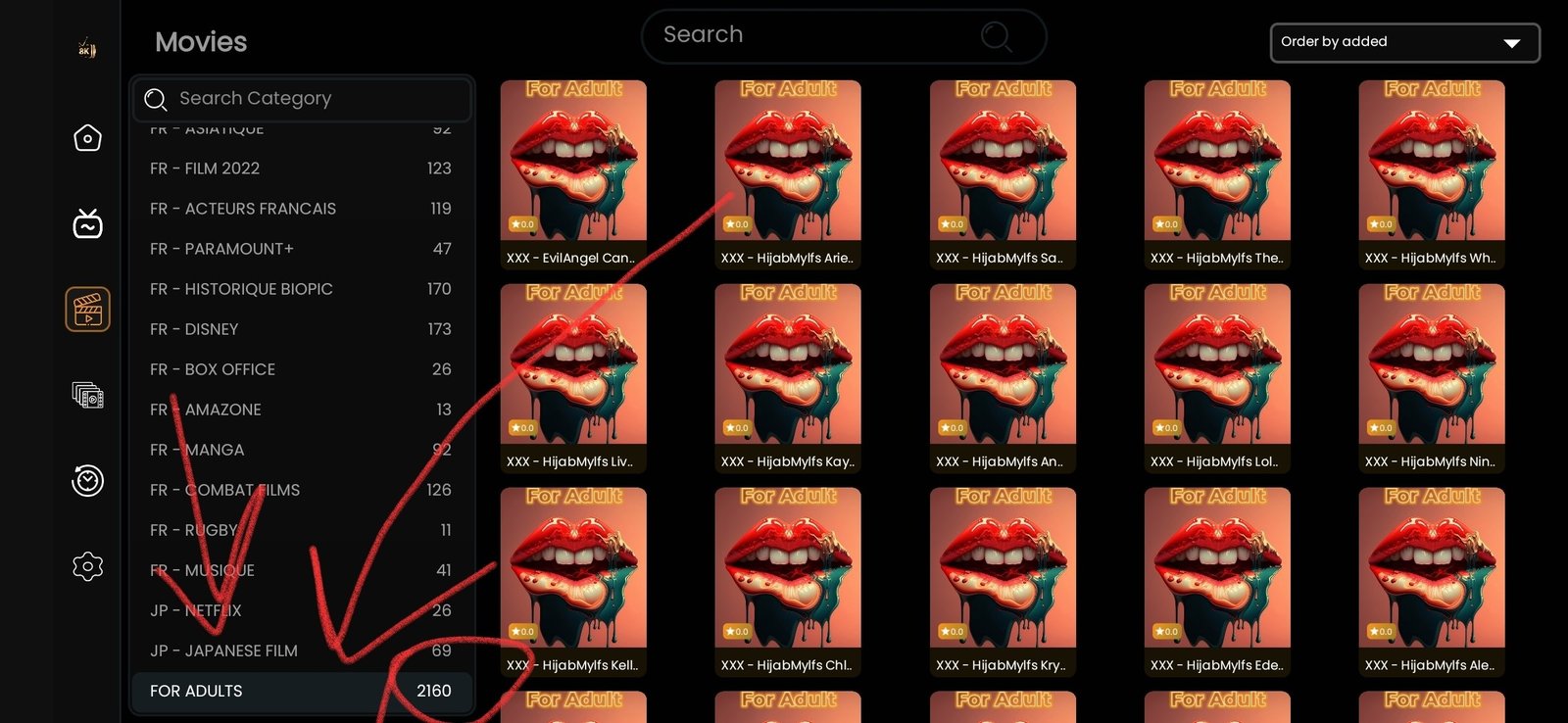
- 2,160+ adult movies in HD and 4K quality
- 294 premium adult channels from around the world
- PIN protection for privacy
- Regular content updates
- One-time £5 add-on fee
Step-by-Step Installation Guide
Now let's get to the installation process. Follow these three simple steps to get IPTV running on your Firestick:
Step 1: Download the Downloader App
The Downloader app is essential for installing apps that aren't available in the Amazon App Store. Here's how to get it:
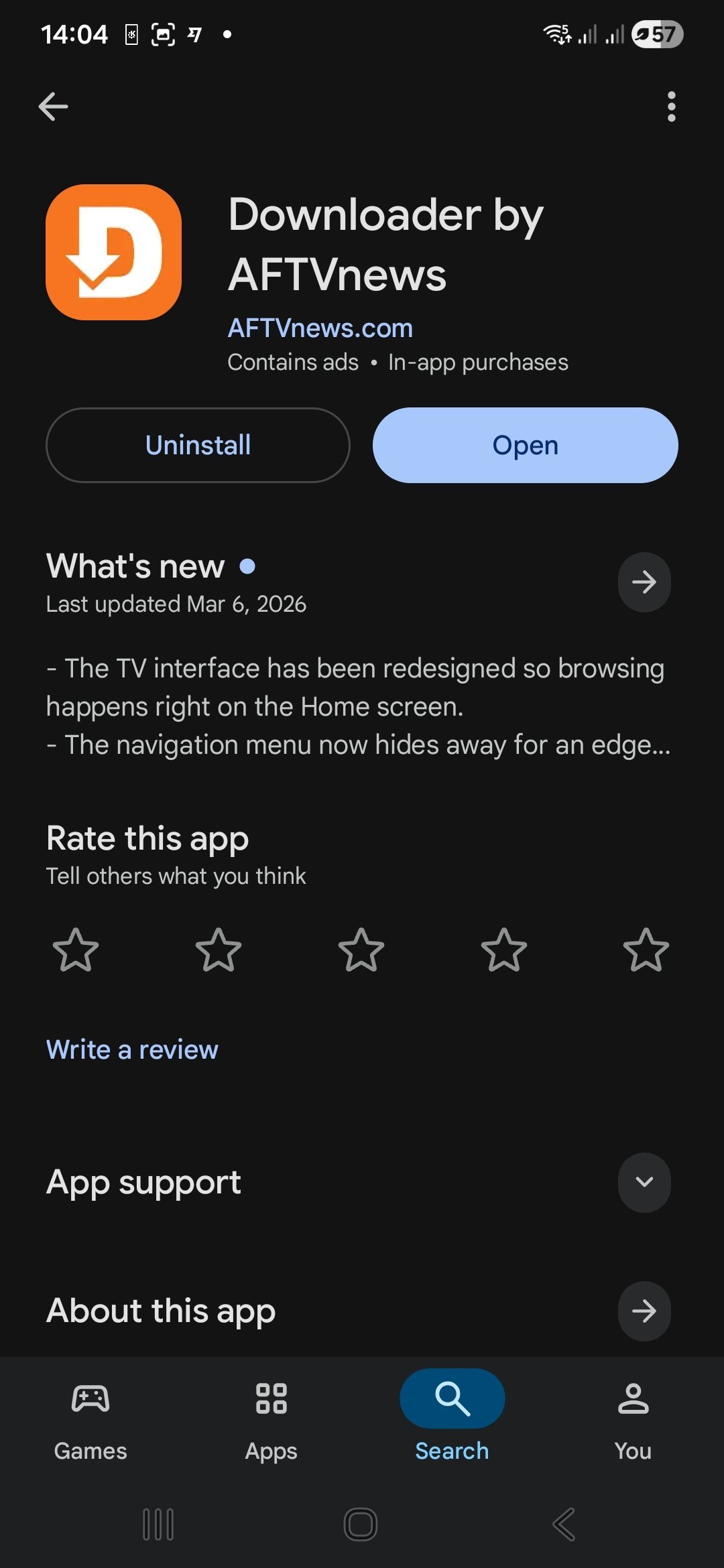
- From your Firestick home screen, go to Find → Search
- Type "Downloader" using the on-screen keyboard
- Select the orange icon with a down arrow (by AFTVnews)
- Click Download or Get
- Wait for the installation to complete
💡 Can't find the Downloader app?
Make sure your Firestick is connected to the internet. If you still can't find it, try searching for "Downloader by AFTVnews" specifically.
Step 2: Enter Our Special Code
Once you have the Downloader app installed, follow these steps to download our 8K Player Prime application:
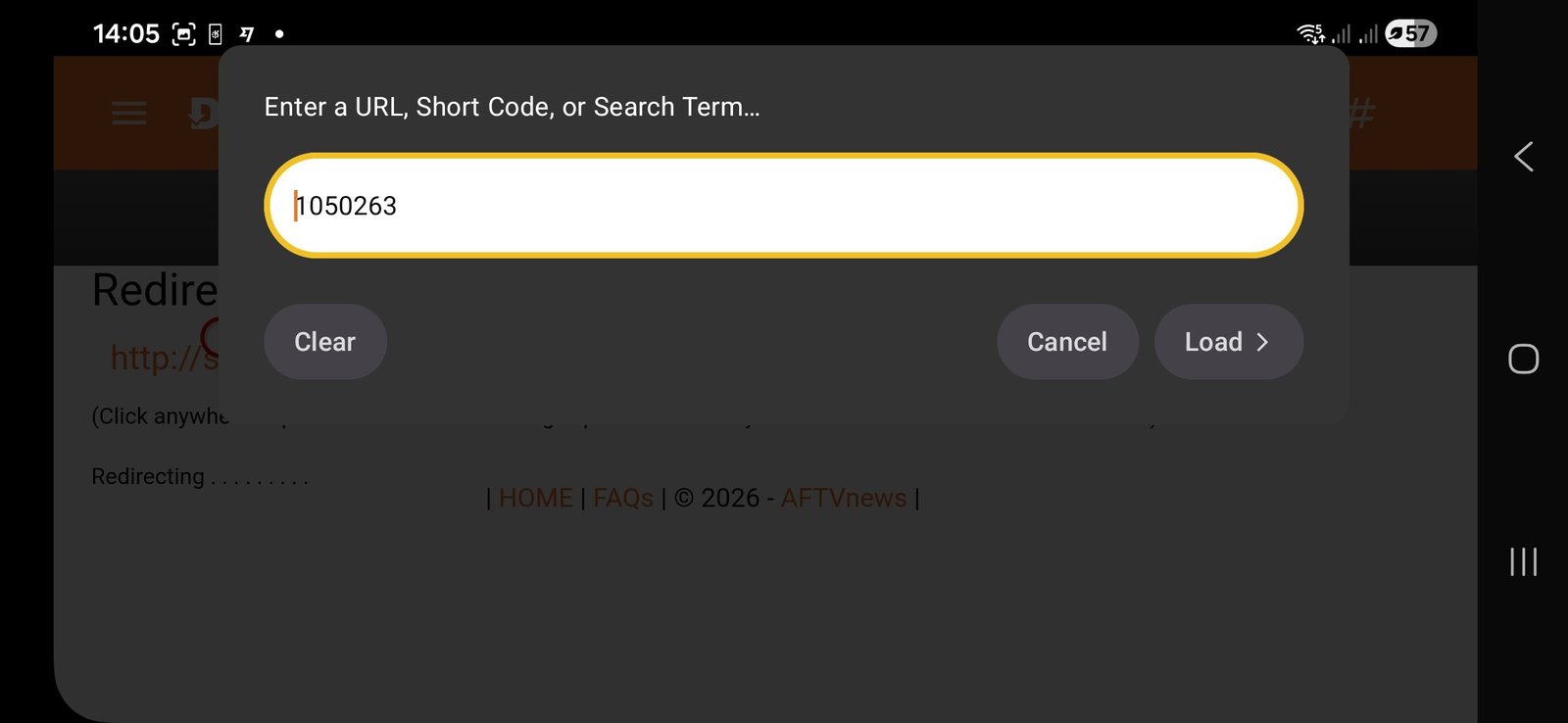
- Open the Downloader app
- Click on the URL/search box at the top
- Enter this code: 1050263
- Click Go
- The download will start automatically
What does this code do? This is our special download code that automatically fetches the latest version of our 8K Player Prime app. It's the quickest and most reliable way to get our application.
Step 3: Install 8K Player Prime
After the download completes, you'll see the installation screen:
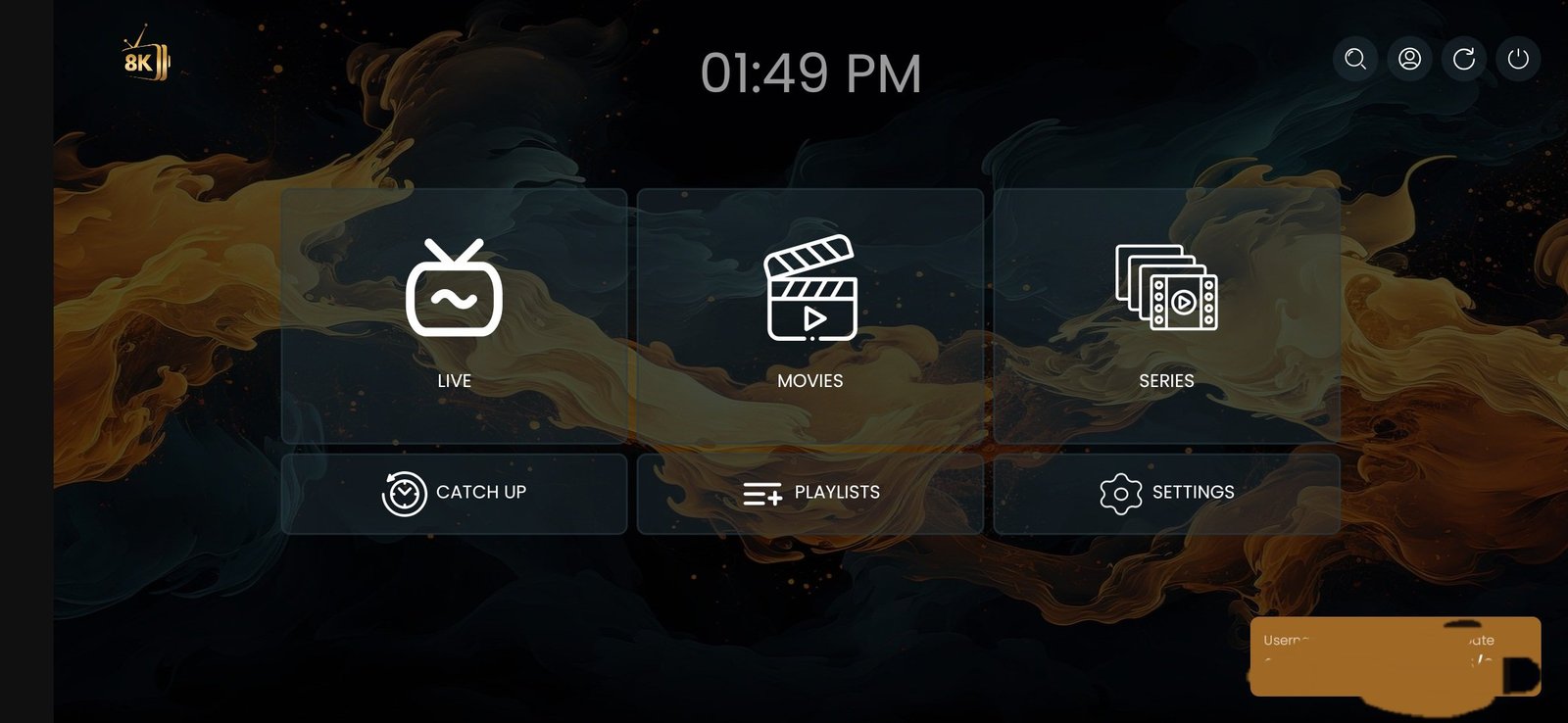
- Click Install
- Wait for the installation to complete (usually 10-20 seconds)
- Click Open to launch the app
- Enter your login credentials (sent after subscription)
- Start watching!
Pricing Plans & How to Subscribe
We offer flexible subscription plans to suit your needs:
| Plan | Price | Savings |
|---|---|---|
| 3 Months | £25.99 | Save £8 |
| 6 Months | £39.99 | Save £20 |
| 12 Months ⭐ Popular | £64.99 | Save £60 |
All plans include:
- ✓ 120,000+ Live TV Channels
- ✓ 160,000+ Movies & Series
- ✓ 4K, FHD, HD Quality
- ✓ 1 Device Connection
- ✓ EPG TV Guide
- ✓ Catch-Up TV (7 Days)
- ✓ 24/7 Customer Support
- ✓ Instant Activation
How to Order
Ordering is simple and takes just minutes:
- Choose your plan – Select 3, 6, or 12 months
- Contact us – Message us on WhatsApp or Telegram
- Complete payment – We accept Credit/Debit Card, PayPal, Bank Transfer, or USDT
- Start watching – Receive your login details instantly and enjoy!
Frequently Asked Questions
Is IPTV legal in the UK?
IPTV technology itself is completely legal. The legality depends on the content sources. We recommend using our service responsibly and in accordance with local laws.
Do I need a VPN for IPTV?
Not required, but recommended for privacy and to prevent ISP throttling. A VPN can also help if certain channels are geo-blocked in your region.
Can I use IPTV on multiple devices?
Our standard plans include 1 device connection. You can use your Firestick, Smart TV, phone, or tablet – but only one at a time. Contact us if you need multiple simultaneous connections.
What internet speed do I need?
Minimum 15 Mbps for HD streaming, 25 Mbps for 4K streaming. We recommend using an Ethernet adapter for the most stable connection.
How do I get the free trial?
Simply message us on WhatsApp or Telegram with "Free Trial" and we'll set you up with 24 hours of full access – no credit card required!
Conclusion
Installing IPTV on your Firestick has never been easier. With our 8K Player Prime application, you get access to an incredible world of entertainment – from live sports and news to movies and series from around the globe.
The three-step installation process (Downloader app → Code 1050263 → Install) takes less than 5 minutes, and our 24/7 WhatsApp support is always available if you need help.
Ready to transform your TV experience? Get your free 24-hour trial today and see why thousands of UK customers choose IPTVFire!
🚀 Start Your IPTV Journey Today!
Join 50,000+ happy customers enjoying premium IPTV on their Firestick.
💬 Chat on WhatsApp ✈️ Message on Telegram